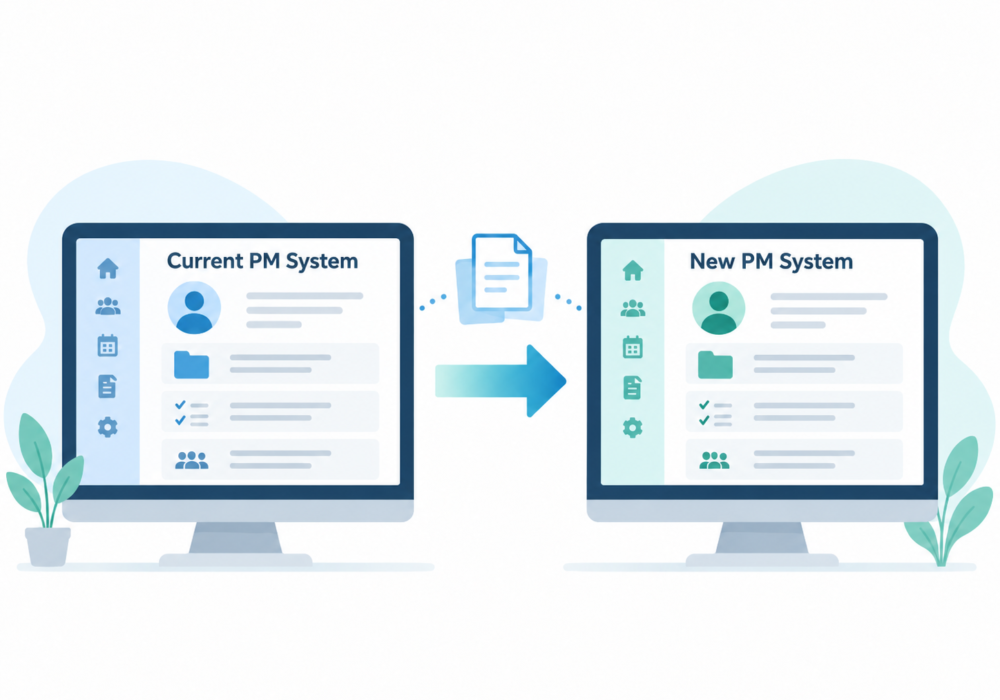
The thought of moving to new practice management software can feel daunting.
A firm may have spent years building up client records, notes, documents, task history and internal processes. Even when the current system is no longer working well, the idea of moving everything can be enough to delay the decision.
How difficult the move will be depends on several factors: the system being left, the new provider, the quality of the existing data and how much information the firm wants to transfer.
Every practice management system works differently, so there is no standard migration process that applies to every firm.
Whatever the issues, the overriding principle must be: Your data belongs to you.
A practice management supplier should not restrict your ability to export it if you decide to leave.
Possibly less than you think, and the answer will partly depend on what the new system can import.
Migration might include client and contact information, documents and notes, current work, historical activity and completed task records.
Moving core client information is a very different project from trying to recreate years of operational history.
Some firms may need extensive historical records available in the new system. Others may be comfortable bringing across the information needed to manage clients going forward and keeping older records separately for reference.
Before choosing a new system, it is worth confirming what can be imported and whether that matches what you actually want to retain.
Without that discussion, two people can use the word “migration” while expecting completely different things.
There is usually a reason you are considering moving in the first place.
The current software may be too complicated, too manual, difficult to maintain or simply no longer a good fit for the way the practice wants to work.
That means recreating the old system exactly inside the new one is not always the best objective.
The real decision is whether the ongoing pain of staying with the current system is greater than the perceived pain of starting again with a new provider.
A move can be an opportunity to simplify. Bring across the information that matters, retain historical information where necessary, and avoid rebuilding processes that were already causing problems.
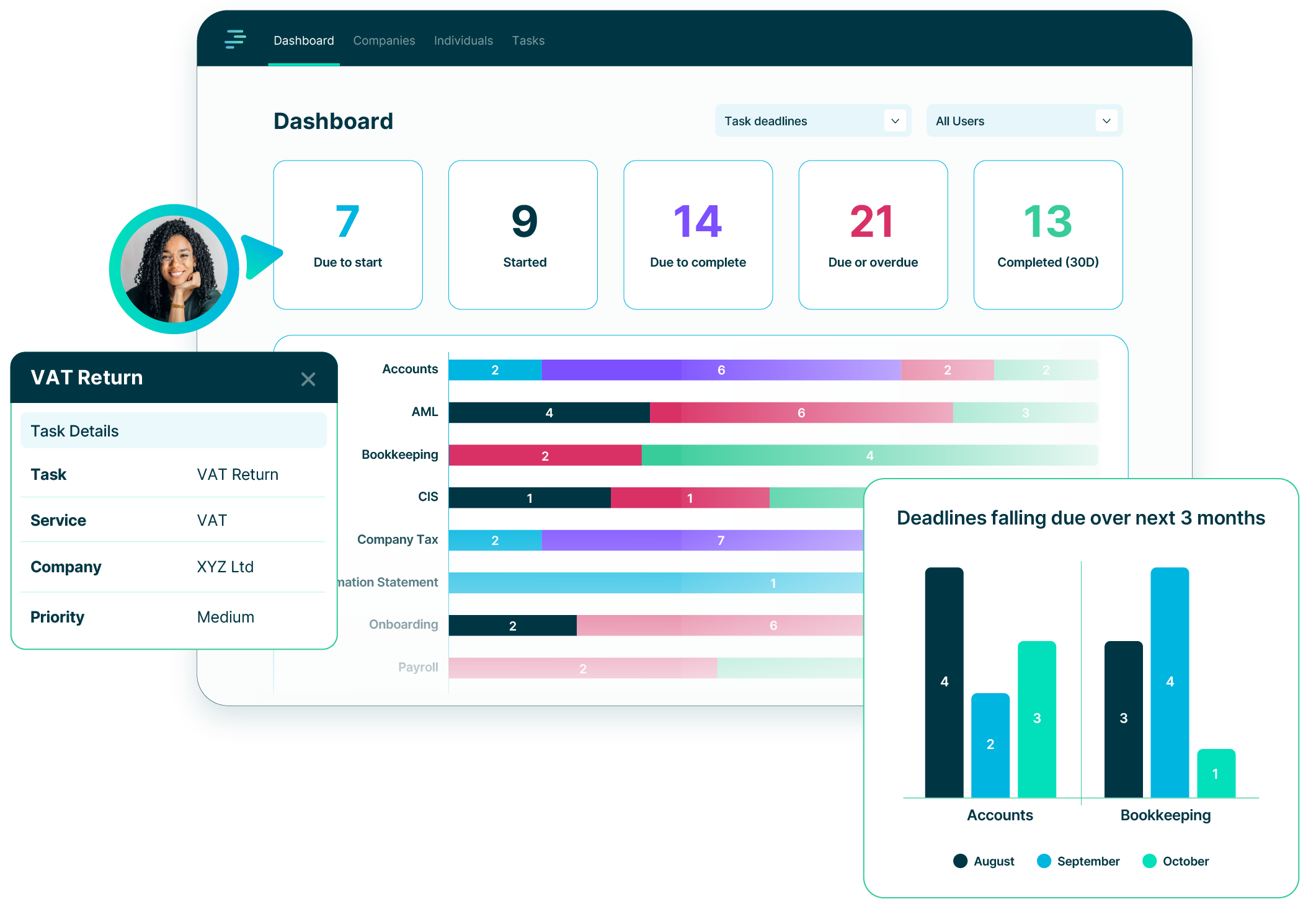
PracticeFlow focuses on bringing across the client-level information needed to manage work going forward. Existing tasks and completed task history are not imported. Once the relevant client and service information is in place, Smart Tasks can create the appropriate work and deadlines going forward.
For larger numbers of clients, the main route is CSV import. Organisation and Individual import templates can be used to transfer information such as client and contact details, Companies House registration numbers, tax references, VAT and payroll information, partner and account manager assignments, groups, linked records, charity information, AML information, notes and custom fields.
Where a Companies House registration number is included, PracticeFlow can use that information to obtain and maintain relevant statutory company data automatically.
Other client information can be included in the CSV or added to the client record later.
This keeps the migration focused on the information needed to manage the client, rather than manually reproducing information that can be obtained from an external source.
Not everything needs to live in the new practice management system. If old tasks, documents, notes or audit history may still be needed, the firm can retain them separately.
Preparing data for migration often highlights issues that were already present in the previous system.
That might include duplicate clients, missing or incorrect company numbers, outdated contact details, missing tax references, former clients still marked as active, inconsistent classifications or missing internal assignments.
Data clean-up is often an integral part of the migration. It gives the firm an opportunity to improve the quality of the information before relying on it in the new system.
It does not mean every record has to be perfect before the move can begin. The most important issues can be corrected first, with less urgent information reviewed later.
A practical way to begin is to import a small sample of real clients first.
The sample should include different types of records rather than only the simplest clients. For example, it could include Individuals, limited companies, groups and clients with different tax, payroll or charity requirements.
The firm can then check that:
Any mapping or data issues can then be corrected before the full client base is imported.
This gives the firm a much clearer understanding of the process and makes the full migration more predictable.
Time is often the main reason firms delay moving systems.
Firms looking at alternatives are usually already busy. Client work takes priority, so replacing the practice management system remains something to deal with later.
Trying to plan a perfect, firm-wide migration can make the project feel even larger.
Starting with a representative group of clients is more manageable. It lets you see your own data in the new system, understand how the import works and resolve issues before moving everyone across.
Once the first clients are in place, the new system becomes more familiar and the next stage is easier to plan.
Moving systems takes some time and effort, but that is usually a short-term cost. Continuing to manage with a system that is no longer really working for you can consume far more time over the months and years that follow.
A little pain now can save a lot of frustration later.
Join the growing number of UK accounting and bookkeeping practices using PracticeFlow to stay organised, meet deadlines, and focus on what matters most.